

Free TradingView indicator

ICT Essentials. The levels you’d draw by hand.

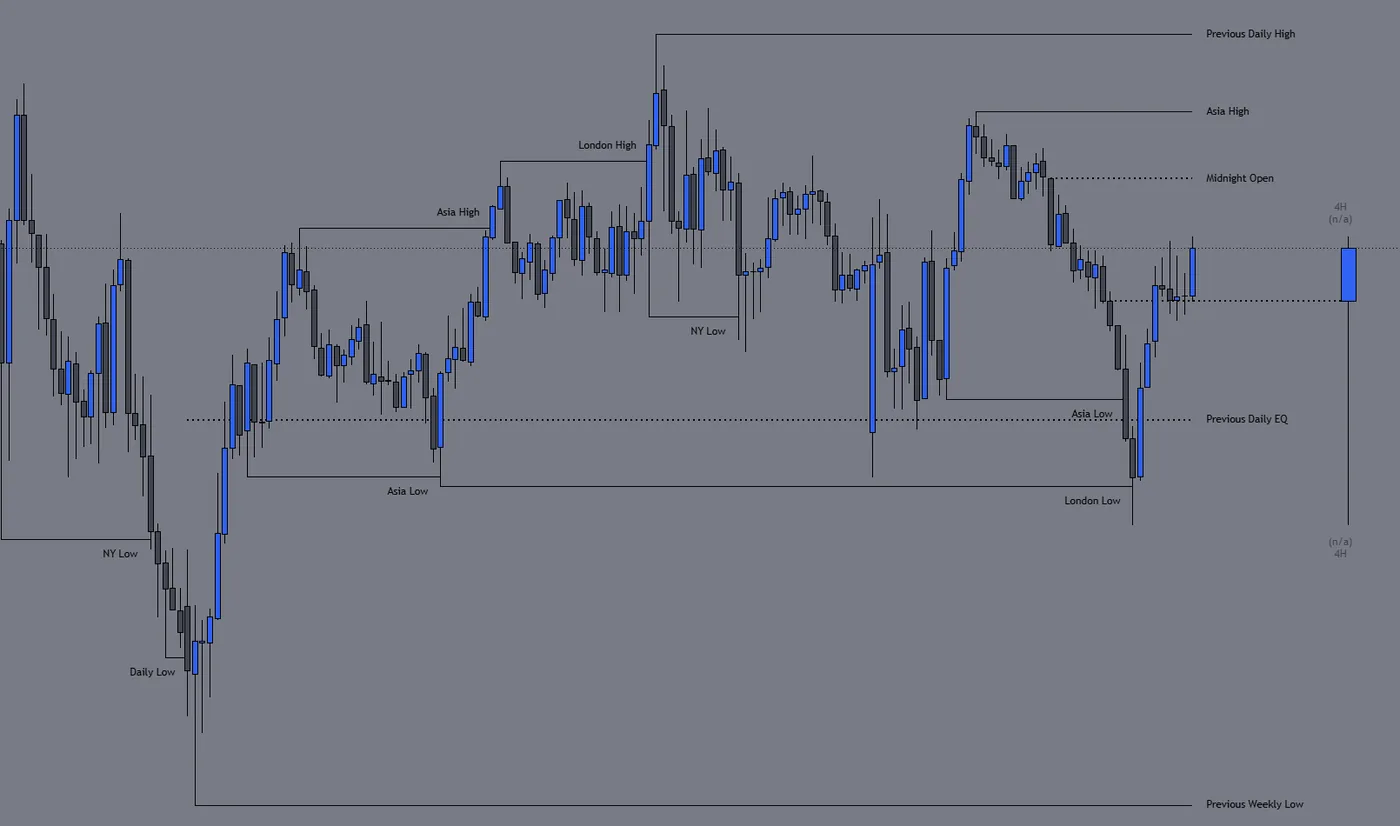
Session highs and lows, daily and weekly levels, equal highs and lows and opening gaps, drawn for you and cut off as price takes them.
  • Free to use
  • Any TradingView plan
  • Alerts built in
NQ1! · 15m · ICT Essentials [LDT]

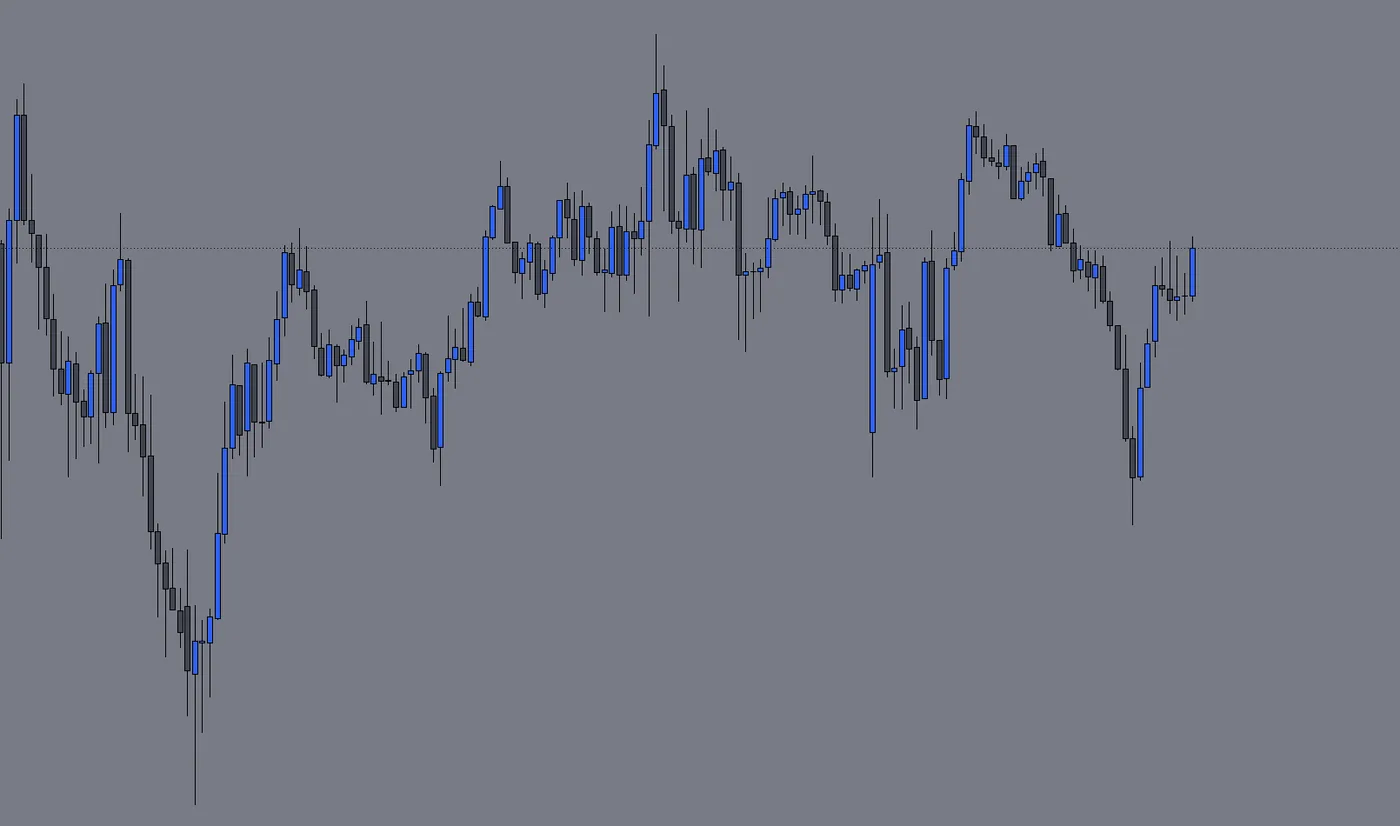
Slide across the chart to compare it with and without the indicator.

What’s inside

The ICT basics. One indicator.

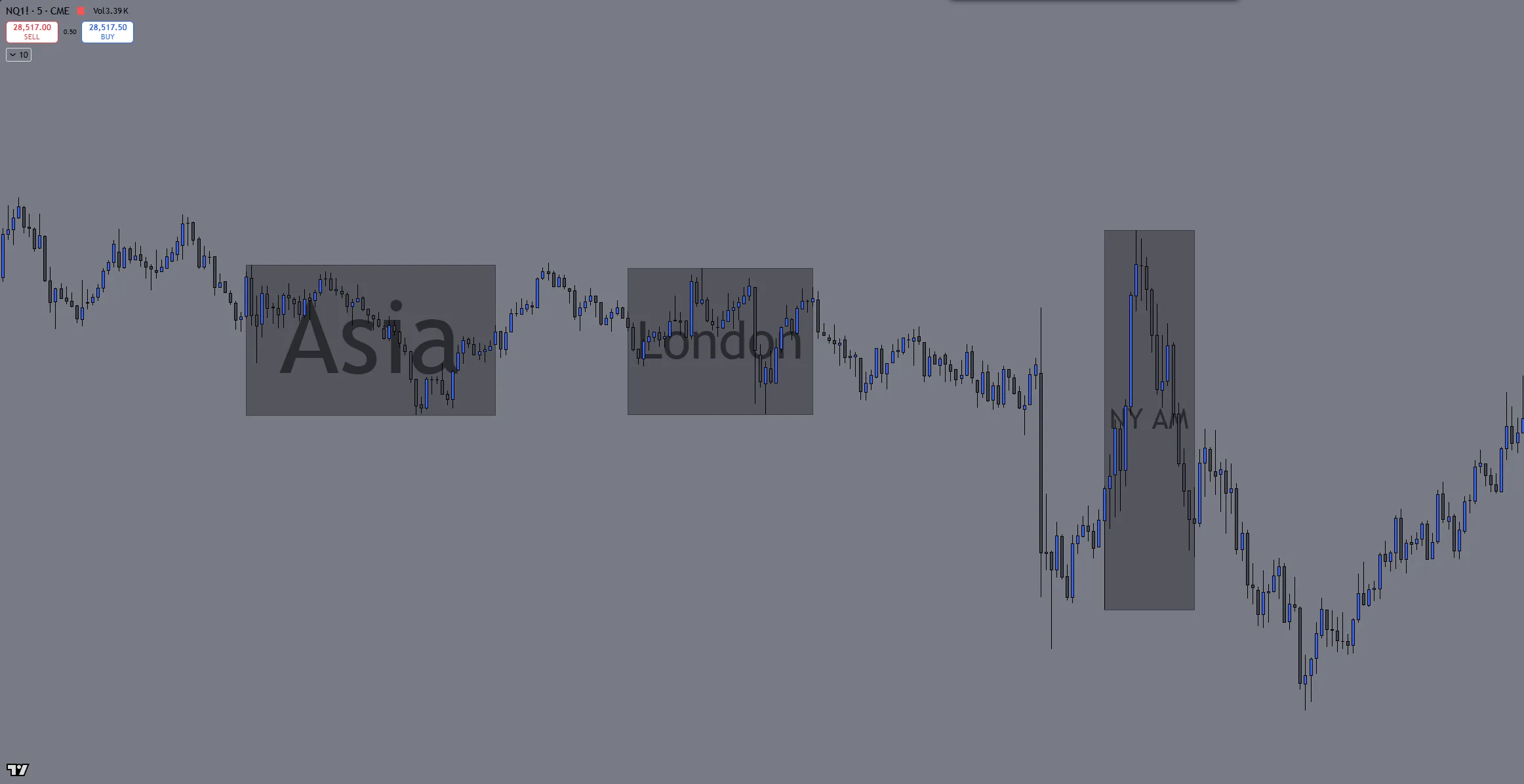
Leo's NQ 5-minute chart with ICT Essentials: the Asia, London and NY AM killzone boxes

Sessions and killzones

Each session’s high and low carried forward until price takes it, with Asia, London and NY AM on to start.
  • Session boxes in three styles
  • Key times drawn at their opening price
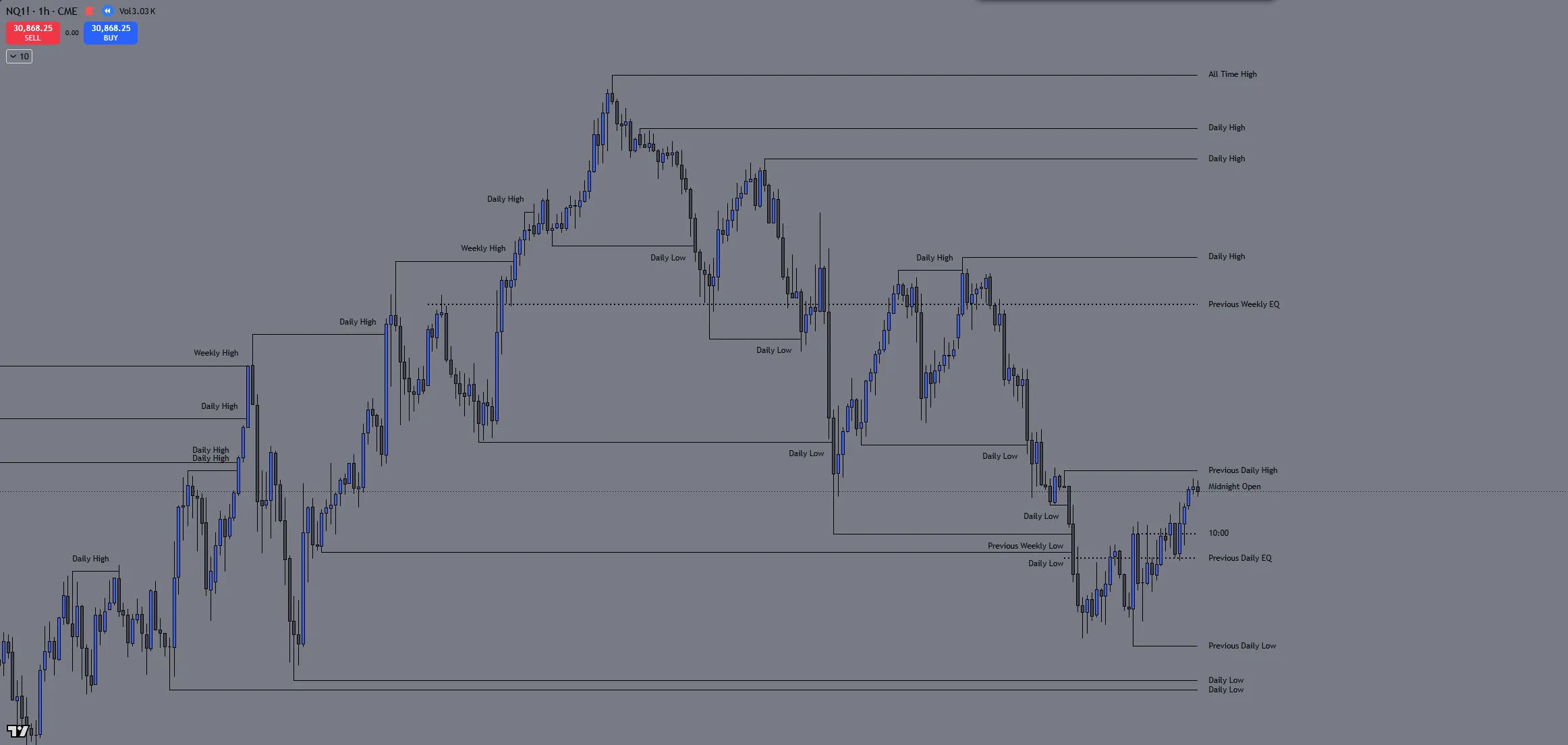
Leo's NQ 1-hour chart with ICT Essentials: the previous daily high, low and EQ, the midnight open, the 10:00 line and the previous weekly low, each labelled

Levels

Daily and weekly highs, lows and EQs, the midnight open and the all-time high, each line stopping where price takes it.
  • The bigger level wins where two overlap
  • The same levels on the 1-minute as on the 4H
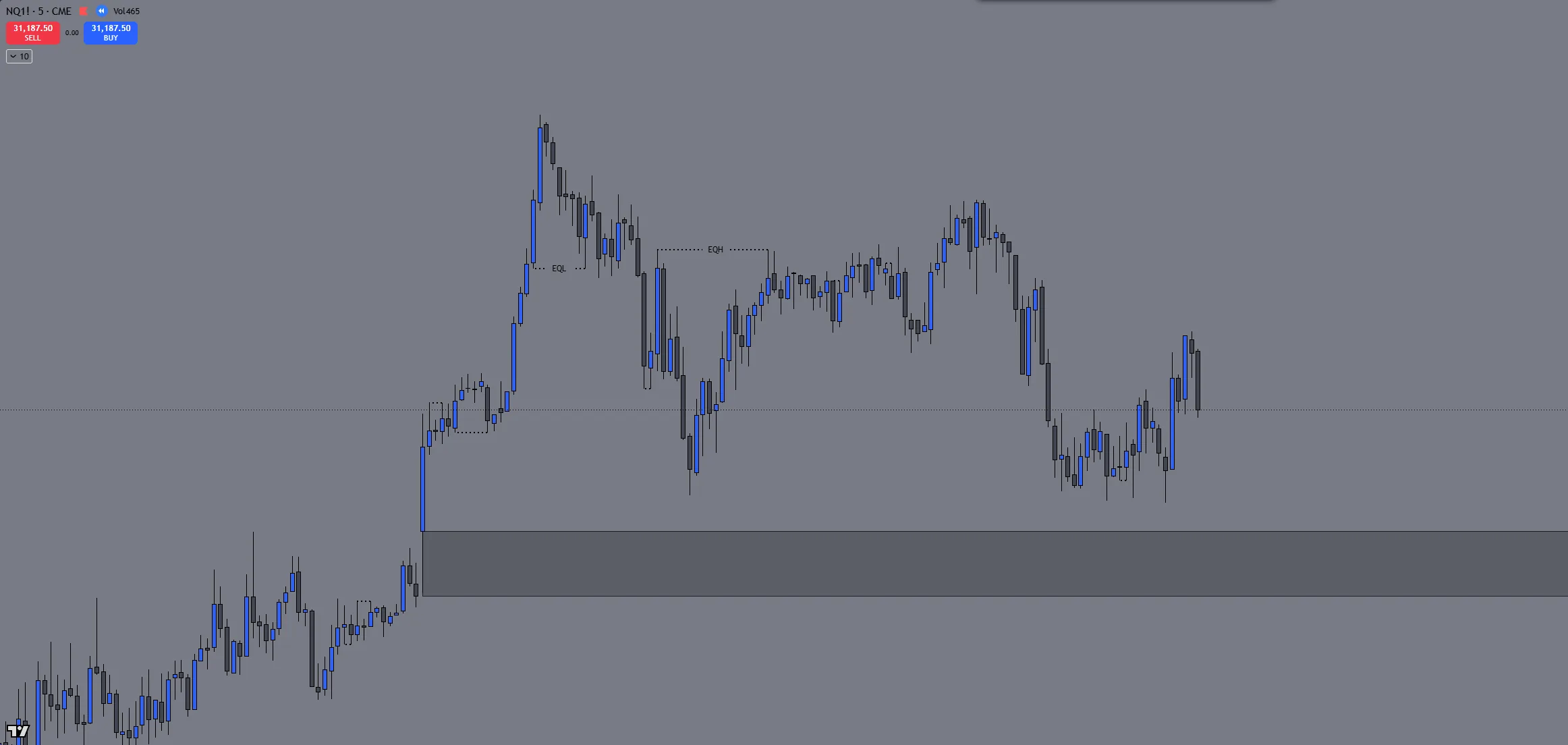
Leo's NQ 5-minute chart with ICT Essentials: equal highs and lows marked EQH and EQL, and an opening gap drawn as a zone

Liquidity

Equal highs and lows as they form, plus the week’s and day’s opening gaps.
  • Equal highs and lows hide once taken
  • Small and quickly filled gaps left out
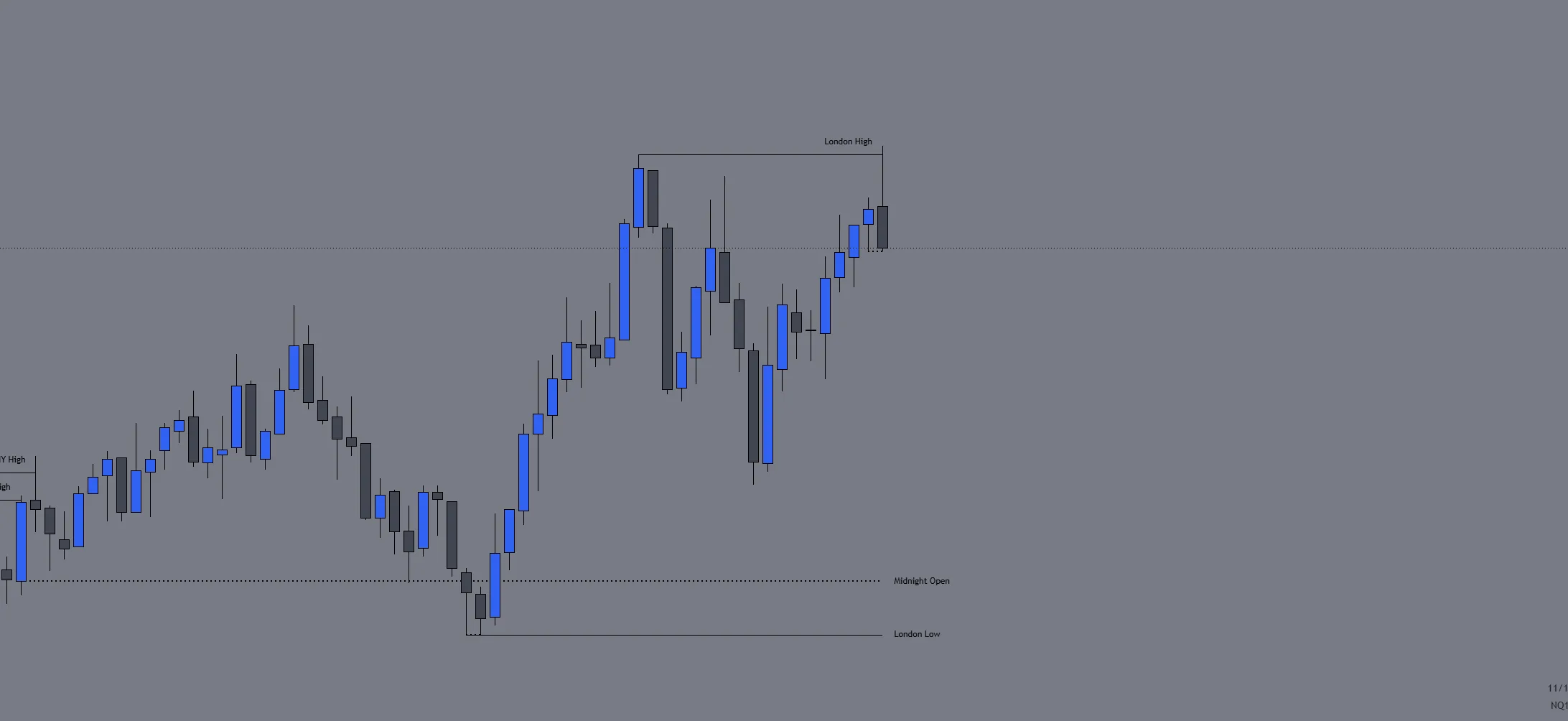
Leo's NQ 5-minute chart with ICT Essentials: price takes the London high and an alert reads London High Mitigated

Alerts and context

An alert the moment a level is taken, so you don’t have to sit and watch for it.

  • 14 alerts, plus killzone alerts by name
  • Higher-timeframe candles beside your chart

And so much more

  • NY Lunch and NY PM sessions
  • Your own timezone
  • Daily and weekly separators
  • Your own label text
  • Prices on labels
  • Line styles and colours
  • Drawing and timeframe limits
  • Previous week’s EQ
  • All-time high alerts
  • Gap fill alerts
  • HTF trace lines
  • A chart watermark
Adding it

On your chart in a minute.

Free on any TradingView plan, nothing to install.

  1. 01Open it on TradingViewUse the button at the top to open the indicator’s page.
  2. 02Add it to favouritesClick the star, so it’s saved to your account.
  3. 03Put it on a chartOn any chart, open Indicators, go to Favourites and pick ICT Essentials.

Trade alongside Leo.

Leo trades futures across several funded prop firm accounts. In the Discord, traders share setups, ask questions and post their results.

Join the Discord

A tool for reading the chart. It gives no trade signals.